
Apple Creator Studio: How Apple Is Evolving the Way Creators Work
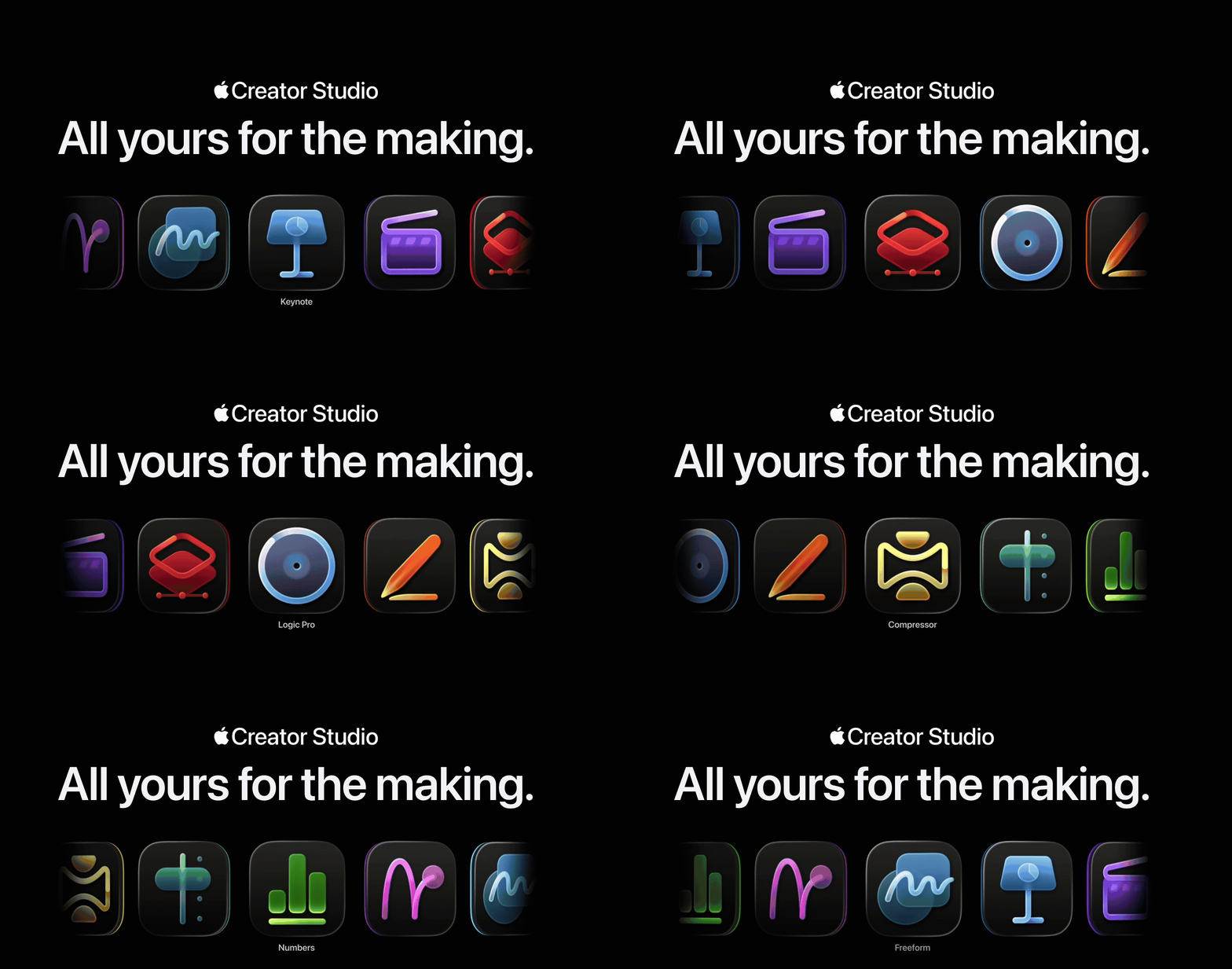
Apple has officially introduced Apple Creator Studio, a subscription-based platform that brings together its professional creative apps and adds new intelligent features across design, music, video, and productivity tools.
Source:[www.apple.com/apple-creator-studio/]
Unlike a single “all-in-one” product, Apple Creator Studio combines hardware, software, and cloud services into a unified ecosystem, helping creators, teams, and educators work more efficiently across Mac, iPad, and iPhone.
A Connected Workflow Across Devices
Apple Creator Studio highlights what Apple has always focused on: integration and continuity.
Projects can start on an iPad, move to a Mac for refinement, and be reviewed or presented on an iPhone. With iCloud at the center, all files, edits, and assets are synced automatically. This allows teams and individual creators to collaborate more smoothly, without worrying about transferring files or compatibility issues.
Smarter Tools for Everyday Creative Work
The subscription includes some of Apple’s most-used professional apps:
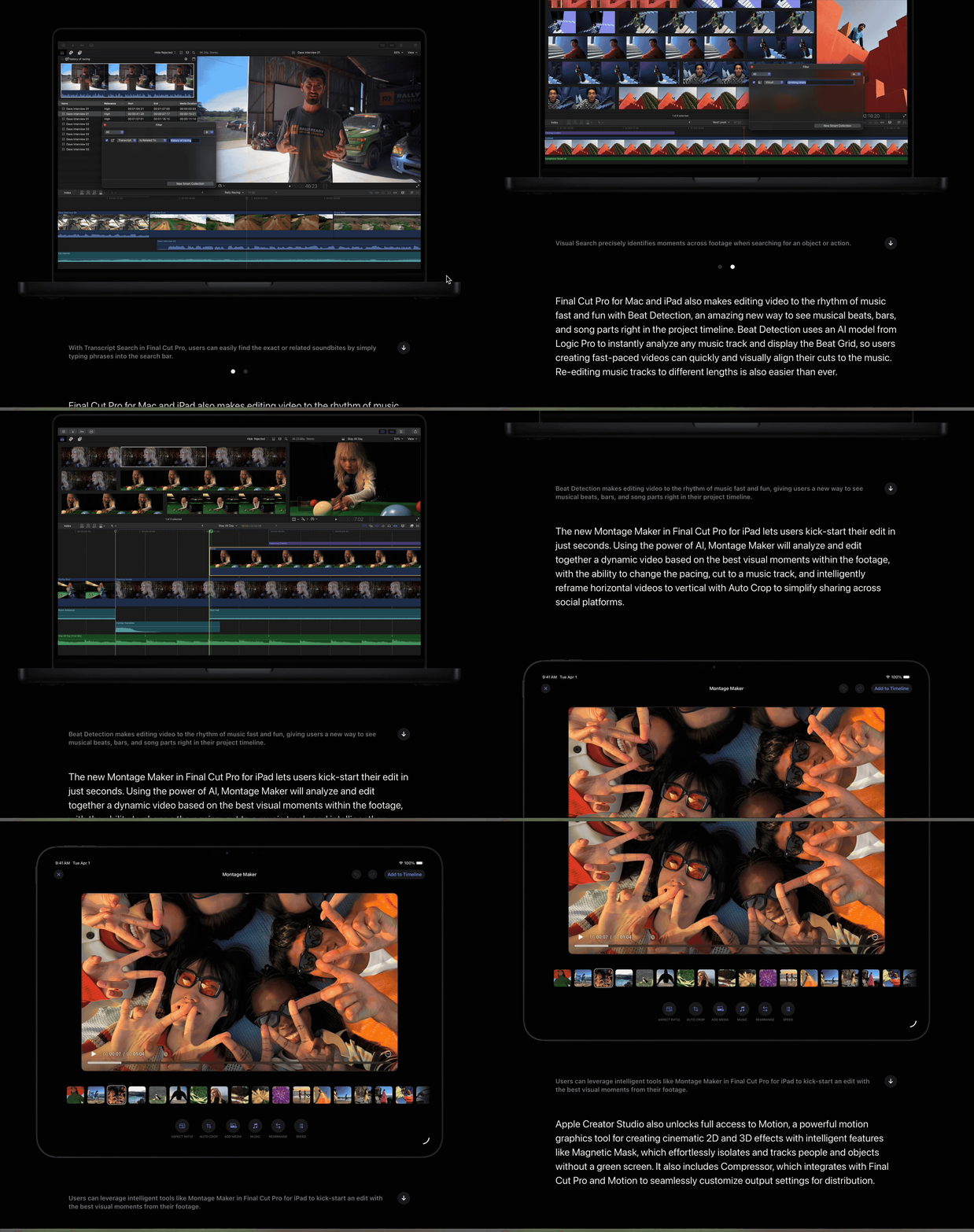
- Final Cut Pro: New features like transcript search and automatic beat alignment make video editing faster and more precise.
Source: [www.apple.com/final-cut-pro/]
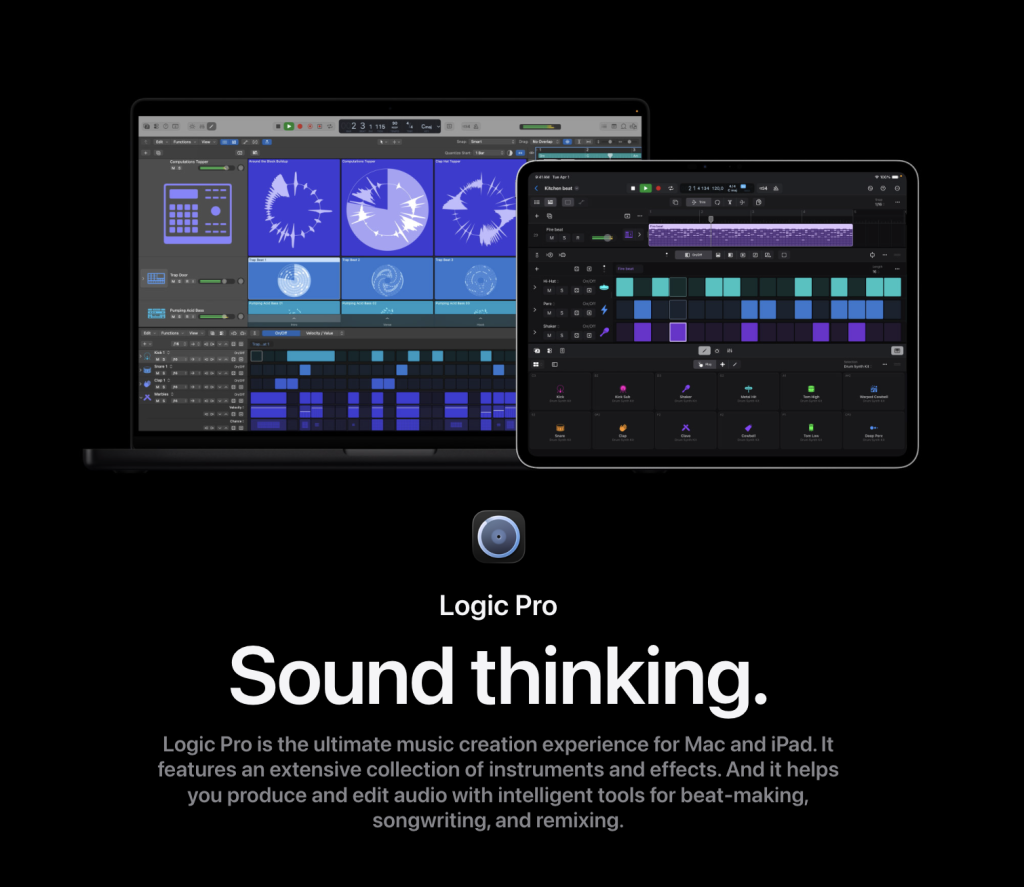
- Logic Pro: Tools such as Chord ID and Session Players help musicians create realistic compositions, speeding up the production process.
Source: [www.apple.com/logic-pro/]
- Pixelmator Pro (iPad and Mac): Full-featured graphic and image editing with touch and Apple Pencil support, plus intelligent tools like Super Resolution and Auto Crop.

Source: [www.apple.com/pixelmator-pro/]
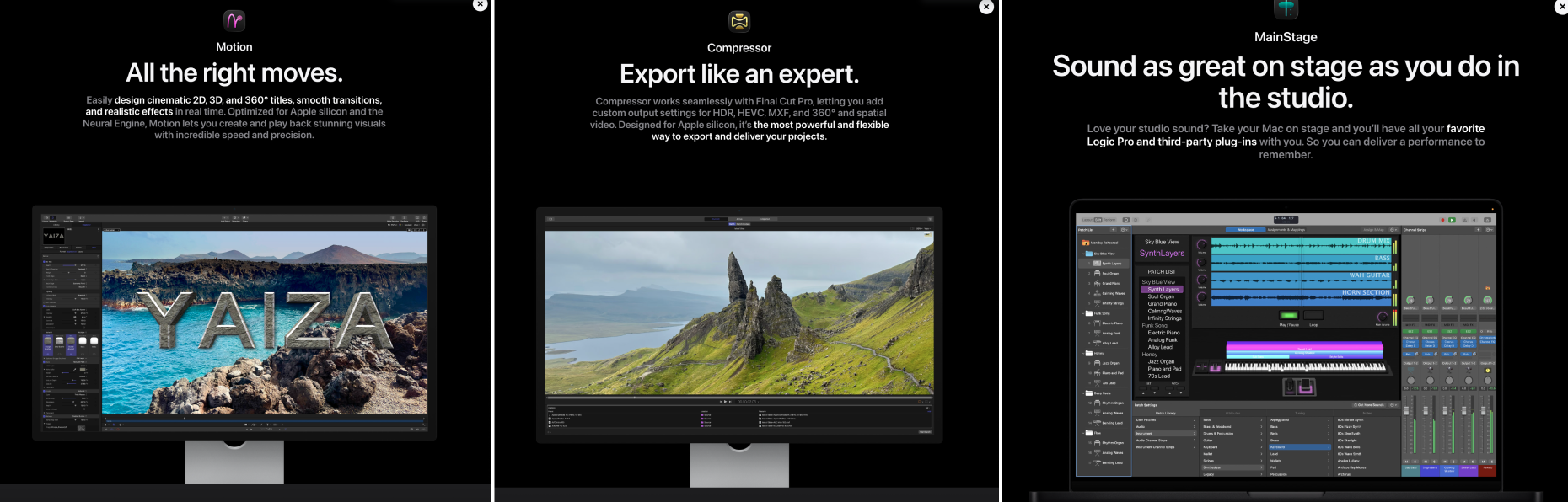
- Motion, Compressor, MainStage: Motion graphics, exporting, and live audio tools, optimized for Apple Silicon.
Source: [www.apple.com/final-cut-pro/]
- Keynote, Pages, Numbers, Freeform: AI-assisted content creation, smart templates, and pattern recognition make everyday creative tasks faster and more accurate.
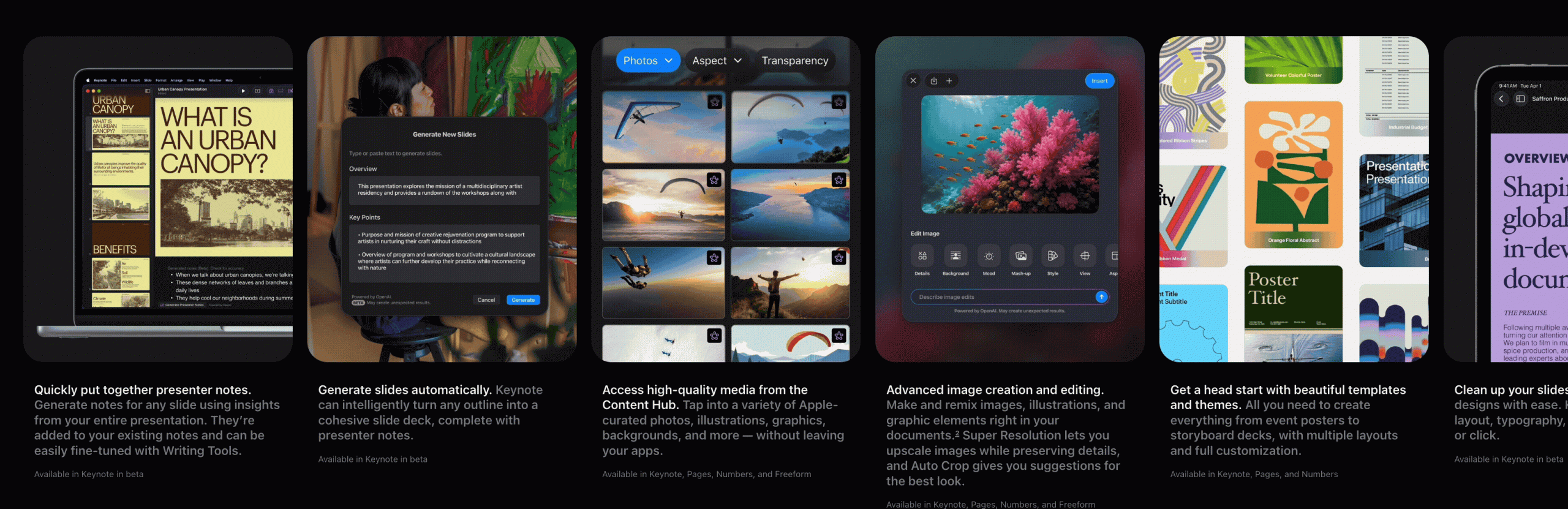
Source: [www.apple.com/apple-creator-studio/#footnote-1]
These updates make the iPad a true pro creative device, not just a companion to Mac. They aren’t just new features — they remove friction, letting creators focus on ideas rather than technical obstacles.
Real-World Examples
Apple Creator Studio is designed for practical use across different creative workflows:
- Video production: A documentary editor can quickly search transcripts for specific shots, align clips to music automatically, and export different versions for social platforms.
- Music creation: A solo producer can compose beats, generate realistic instrument performances with AI assistance, and arrange tracks efficiently in Logic Pro.
- Visual design: A designer can create marketing visuals on Pixelmator Pro with iPad and Apple Pencil, enhancing workflow mobility without compromising precision.
- Team collaboration: A startup can draft presentations on iPhone and refine them on Mac, seamlessly sharing files across devices without delays.
AI That Supports Creativity, Not Replaces It
Apple integrates AI as a helper, not a replacement. From intelligent editing suggestions to automated content organization, the goal is to save time while preserving creative control. On-device AI ensures privacy and performance while giving creators tools that enhance their work rather than dictate it.
Why It Matters for Creative Teams and Agencies
Apple Creator Studio is more than a software bundle. It shows a clear shift in how creative tools can work for teams:
- Cross-device workflows allow projects to move smoothly between devices.
- Integrated AI tools accelerate production without replacing the human touch.
- Flexible subscription pricing gives access to professional-grade software for students, freelancers, and teams.
For agencies and content creators, this means less time spent managing tools and more time focusing on ideas, design, and storytelling.
365CREA’s Perspective
At 365CREA, we see Apple Creator Studio as part of a broader trend: tools that empower creators through integration and intelligent support.
It’s not just a collection of apps, it’s an ecosystem that respects creative control, improves workflow efficiency, and allows creators to focus on what truly matters: turning ideas into results.
Apple Creator Studio may not be a single “Creator Studio” app, but step by step, update by update, it feels like one a complete creative environment ready for modern teams and individual creators alike.
14 comments
antibiotics for pneumonia
April 4, 2026 at 1:49 pmantibiotics for pneumonia
antibiotics for pneumonia
metoprolol tartrate 25 mg for anxiety
April 5, 2026 at 6:22 pmmetoprolol tartrate 25 mg for anxiety
metoprolol tartrate 25 mg for anxiety
viripotens 100 sildenafil
April 20, 2026 at 6:45 amviripotens 100 sildenafil
viripotens 100 sildenafil
tadalafil 60 mg vidalista
April 24, 2026 at 3:41 amtadalafil 60 mg vidalista
tadalafil 60 mg vidalista
finasteride rx coupon
May 14, 2026 at 8:09 pmfinasteride rx coupon
finasteride rx coupon
can metronidazole used for bv
May 23, 2026 at 6:48 pmcan metronidazole used for bv
can metronidazole used for bv
ketoconazole shampoo benefits
June 19, 2026 at 9:36 pmketoconazole shampoo benefits
ketoconazole shampoo benefits
ivermectin evidence summary
June 24, 2026 at 12:52 pmivermectin evidence summary
ivermectin evidence summary
ivermectin scabies efficacy
June 25, 2026 at 1:13 pmivermectin scabies efficacy
ivermectin scabies efficacy
sildenafil biochemical action
July 16, 2026 at 6:56 pmsildenafil biochemical action
sildenafil biochemical action
avanafil food interaction risk notes
July 24, 2026 at 2:41 pmavanafil food interaction risk notes
avanafil food interaction risk notes
vardenafil food interaction information
July 25, 2026 at 6:24 pmvardenafil food interaction information
vardenafil food interaction information
avanafil tolerability data
July 26, 2026 at 11:37 amavanafil tolerability data
avanafil tolerability data
augmentin antibiotic information
August 3, 2026 at 10:50 pmaugmentin antibiotic information
augmentin antibiotic information
Comments are closed.