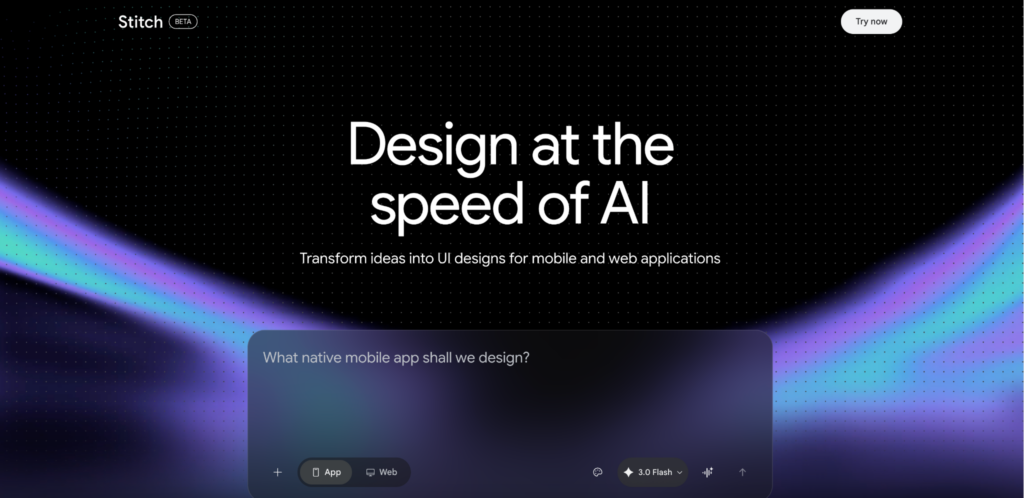
There was a time when a blank canvas meant hours of wireframing, layout testing, and back-and-forth with developers. Today, that canvas can respond almost as if it understands your intent. With Google Stitch, UI layouts and even frontend code can be generated from simple text prompts or rough sketches, allowing ideas to move faster than ever before.
With Google Stitch, a concept can be described in a few lines and translated into structured UI layouts within seconds. For example:
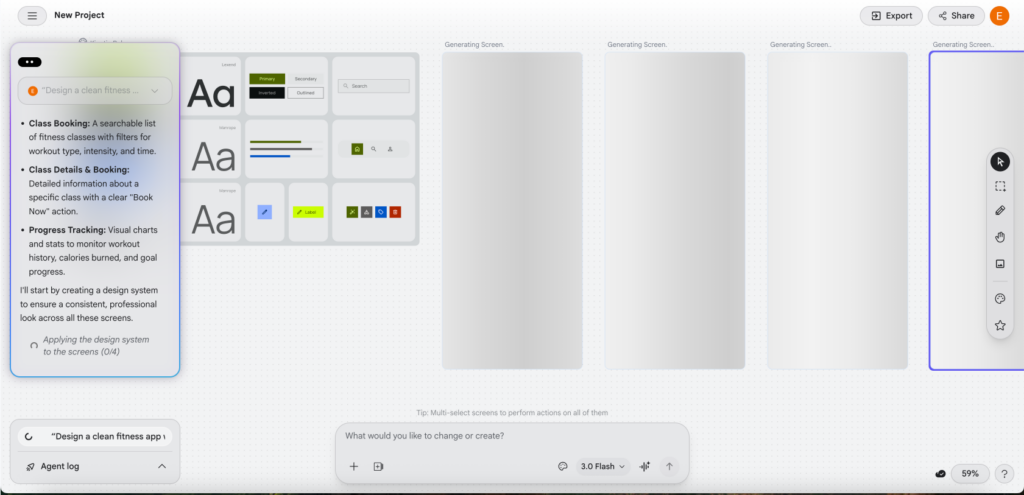
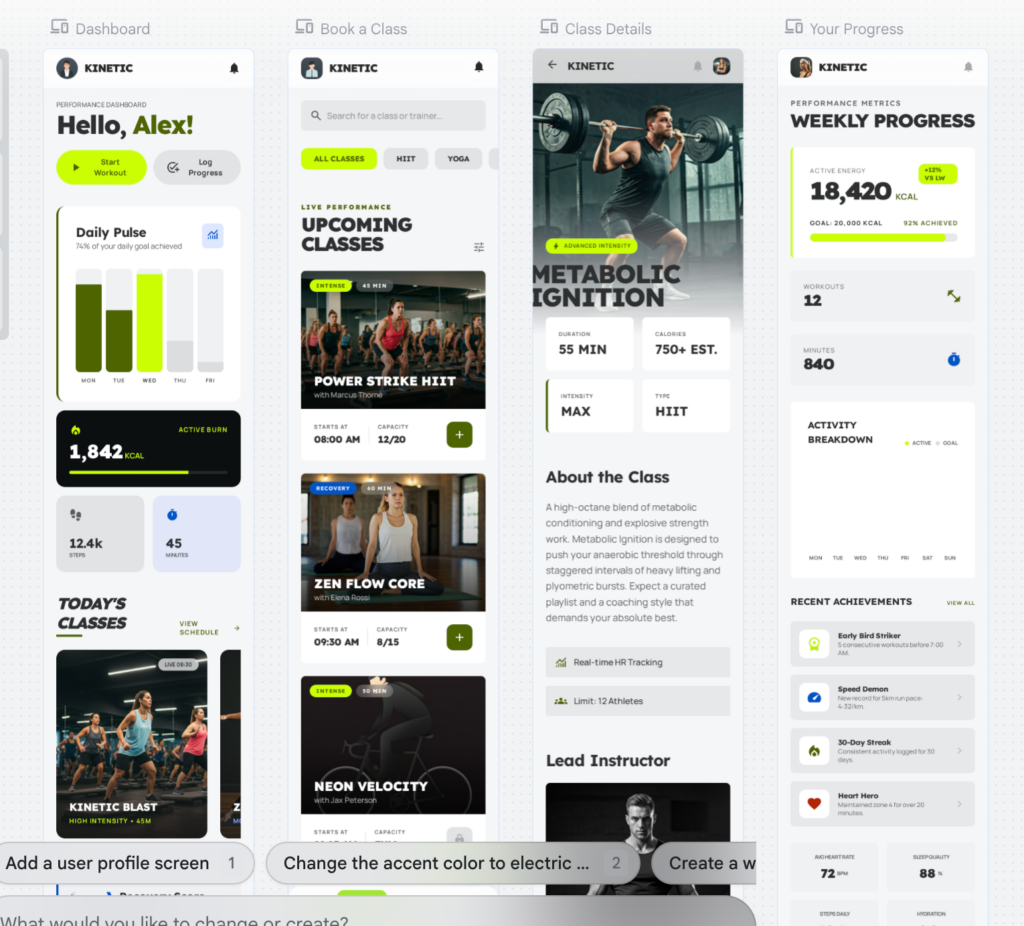
“Design a clean mobile interface for a fitness app with quick booking options and a progress dashboard”
This shows the AI building a cohesive foundation for the fitness app. It automatically generates a consistent design system including typography, color palettes, and core UI components while preparing multiple screens simultaneously to ensure a unified look across the entire project.
Multiple variations can be generated instantly, each with different layouts, hierarchies, and component placements. In some cases, frontend-ready code is also produced, reducing the time between design and development.
What used to require hours of setup can now be explored in minutes—making experimentation far more accessible.
The AI turns a fitness prompt into a full set of mobile interfaces. It automatically builds complex features like progress charts and schedules while ensuring the entire app follows a consistent design system.
Real-Life Example: Starting from Templates, Not Scratch
Instead of beginning with a blank canvas, designers can rely on AI-generated templates within Google Stitch as a starting point.
For instance, a designer working on an e-commerce platform could:
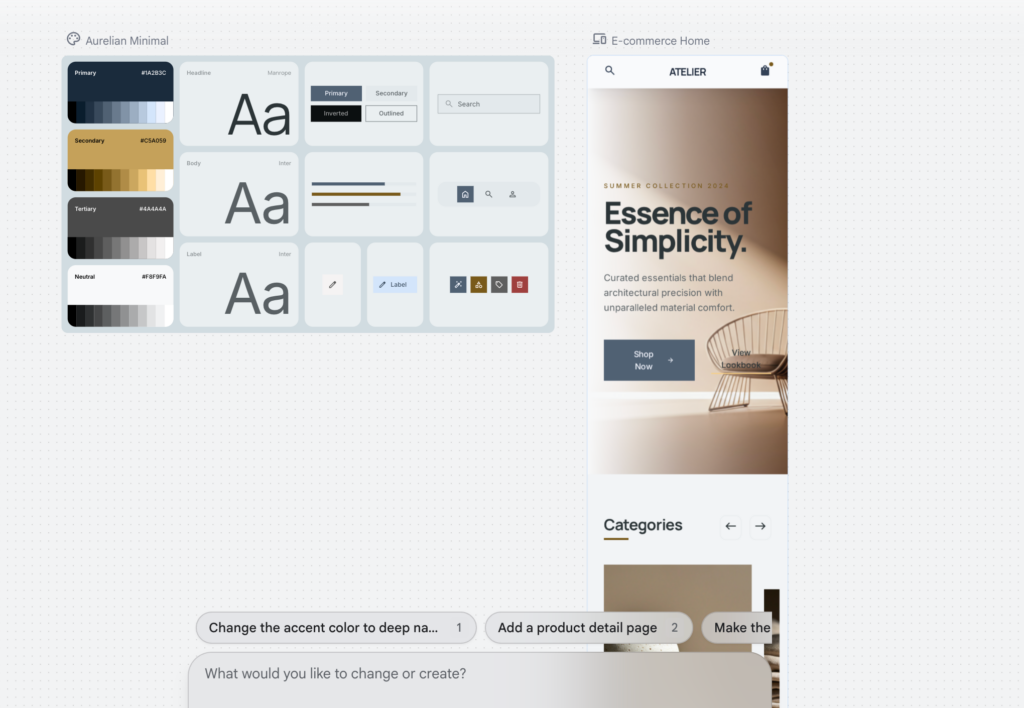
Generate a homepage template with product grids, banners, and navigation
Instantly explore variations (minimalist vs promotional-heavy layouts)
Adjust sections based on user priorities (featured products, quick checkout, recommendations)
Similarly, for a service-based website (such as a salon or clinic), a template could be generated with:
Booking sections
Service categories
Customer reviews
Clear call-to-action buttons
These templates are not final products—they are starting blocks that accelerate the creative process while still leaving room for refinement and customization.
This shows how AI builds structured foundations for retail or services. It instantly places product grids and hero banners, allowing designers to skip the setup and jump straight into refining the brand’s look.
Bridging Design and Development
One of the most time-consuming steps in product design has always been the transition from static design to working interface. With Google Stitch:
Layout structures are already defined
Components are organized logically
Code outputs can guide development from the start
This creates a smoother workflow where ideas are not only visualized but also partially built from the beginning, reducing friction between teams.
Designers as Experience Directors
While AI can generate layouts quickly, it does not fully understand context, audience behavior, or cultural nuances. This is where designers remain essential.
Rather than focusing on repetitive execution, designers are now able to:
Guide and refine generated outputs
Adapt templates to real user needs
Inject meaning, clarity, and emotion into interfaces
The role is shifting from simply designing screens to directing experiences.
A Tool, Not a Shortcut
Google Stitch should not be seen as a shortcut to instant design. It is better understood as a multiplier one that enhances speed, exploration, and collaboration.
The difference lies in how it is used. Without strategy, outputs remain generic. With the right direction, they become powerful foundations for thoughtful digital experiences.
The Takeaway
AI is not replacing design it is reshaping how it is approached.
With tools like Google Stitch, interfaces can be generated faster, ideas can be tested more freely, and workflows can become more fluid. But the responsibility of creating meaningful, user-centered experiences still lies in human hands.
At 365CREA, this shift represents an opportunity to go further exploring more ideas, refining faster, and delivering smarter digital solutions while keeping design intentional at its core.